
Happy Christmas !
Christmas, Pewsheets


To get a sneak peak, here is our crib service sheet for tomorrow’s service (24/12/15 at 4pm). There are crib services at each church, so take your pick !
Click here to see the pewsheet for the Fourth Sunday of Advent.
Busy time of year, so apologies for the delay in posting this to the website.

Have you every missed a bus or train for which you were waiting because you were so engrossed in doing (or thinking about) something else? This week, I read an Advent meditation by Paula Gooder – a theologian for whom I have considerable affection and respect. She wrote about two kinds of waiting: an active waiting that demands we are alert, with our senses finely tuned to what is going on around us, looking keenly for the signs of the arrival of that for which we wait; and a passive waiting that is simply about the passing of time, with senses dulled or focused on something else.
Advent is supposed to be the former, but too often we can become so engrossed in getting ready for Christmas (writing cards, buying presents, planning and cooking meals …) that when the great feast comes – that moment when we celebrate God becoming flesh amongst us – we are so tired, or bored or still so focused on those preparations that the moment passes us by. Let’s not let that happen to us. Rather let us follow the example of Elizabeth and Mary in our gospel reading.
Here two pregnant women, Elizabeth who has waited almost too long for her pregnancy and Mary who bears the long-awaited Messiah. As they meet their dynamic, active waiting gives over to a deep recognition (shown by John’s leaping in the womb) of God’s blessing. And, significantly, that recognition flows out into praise.
Paula’s prayer is mine too: “may each one of us experience this kind of Advent waiting: a waiting that ends not in a whimper of exhaustion, but in joyful recognition and praise of him for whom we wait.
Every blessing for the rest of Advent and a joyous Christmas when it comes,
Anthony

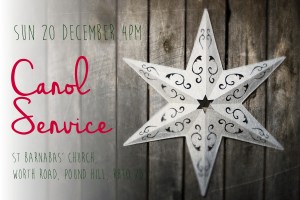
We’d love you to join us for our Carol Service at St Barnabas’ Pound Hill, this Sunday, 20th December at 4pm. It is suitable for all ages and you can view the service sheet here.
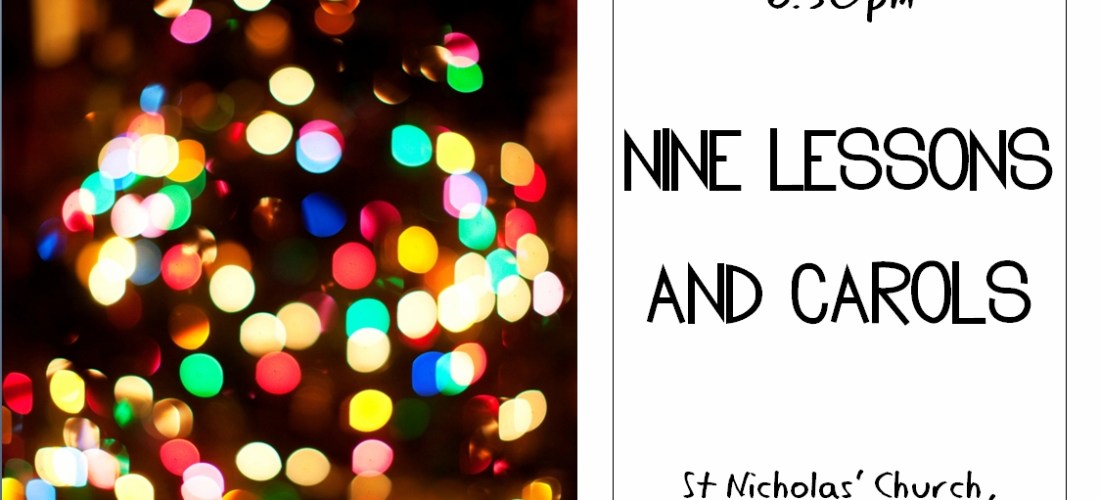
Click here to see this week’s pewsheet.
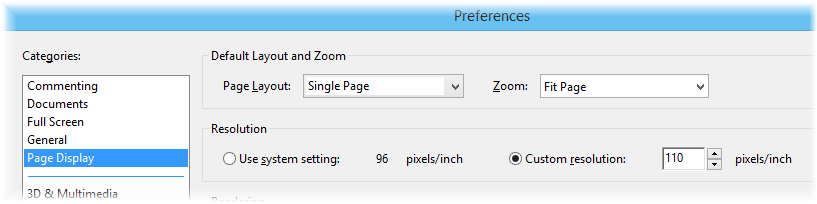
Tip: If this, or any other, PDF document opens at too large a size, here’s what you do:


Click here to see this week’s pewsheet.
Tip: If this, or any other, PDF document opens at too large a size, here’s what you do:
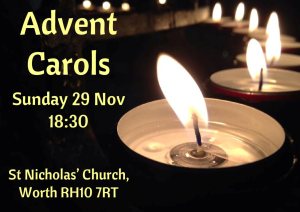
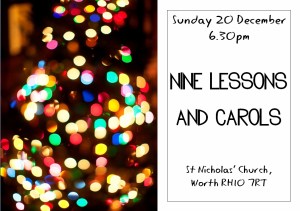
Our posters have been published for forthcoming Christmas events and we’d love you to copy, post and share them with your friends. Thank you !

Click here to see this week’s pewsheet.
 Worth Parish